
Aurora Store
Aurora Store is a free and open-source Android app that works as an alternative to the Google Play Store app, distributed under the GPL.
Android
Open source

9.22.5.3 · Aptoide.com · Page updated
Aptoide is an open-source alternative app store for Android, running since 2009. This page covers version 9.22.5.3.
Average 0.0 · ratings: 0
Thank you! Your rating is saved; you can change it. Could not save the rating. Please try again later. Too many ratings from your network today. Please try again tomorrow. The average appears after 5 ratings.
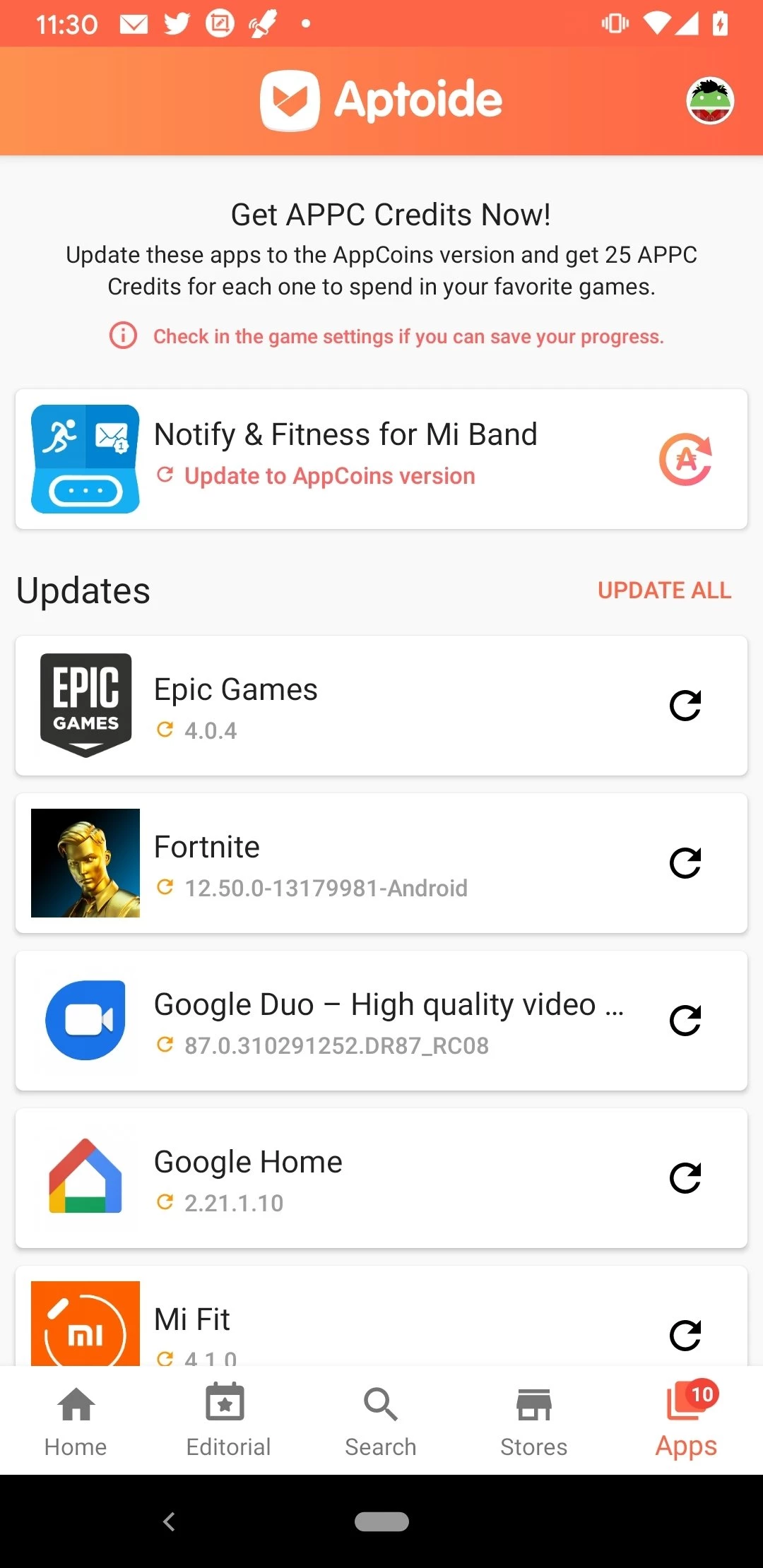
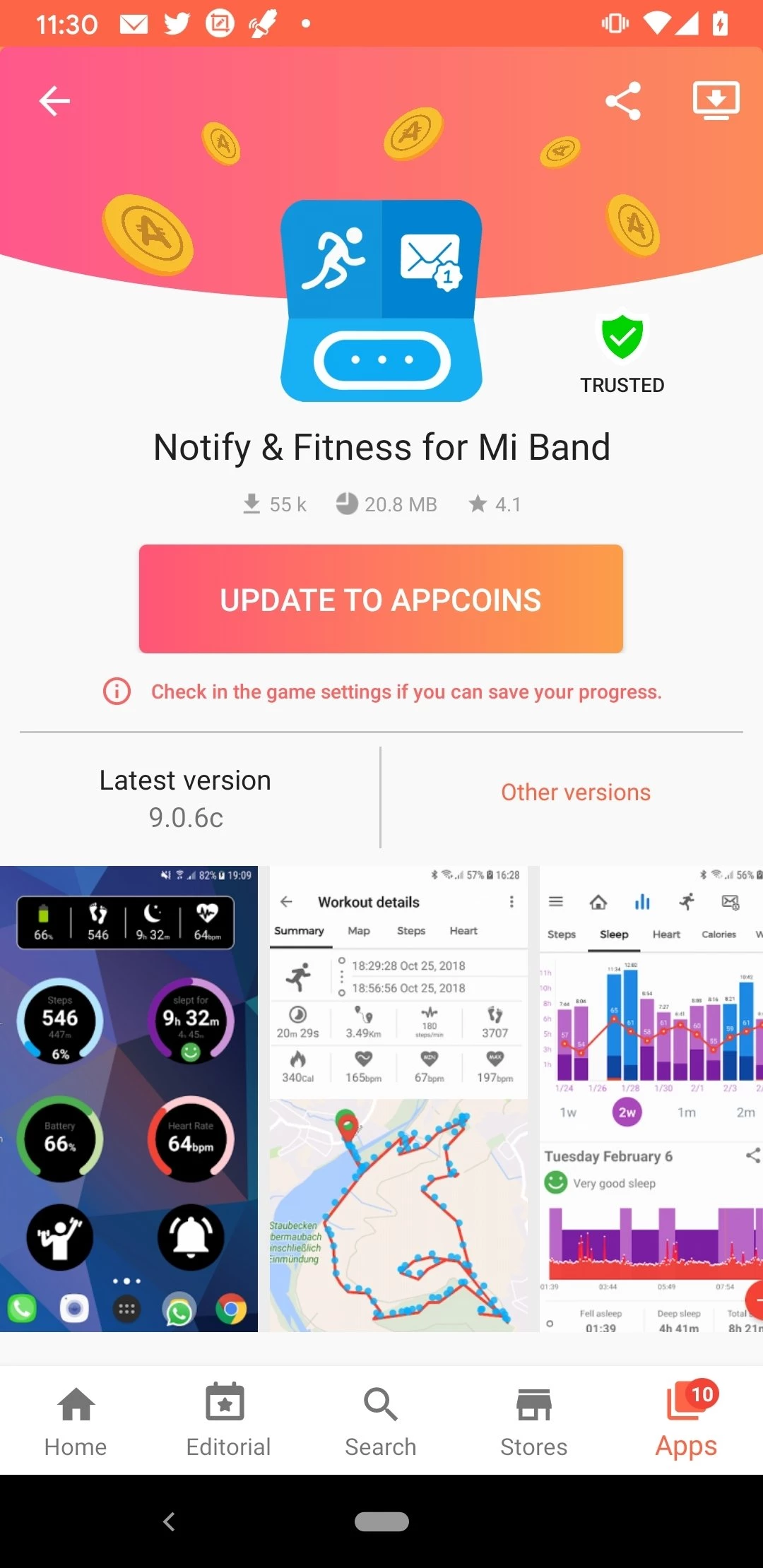
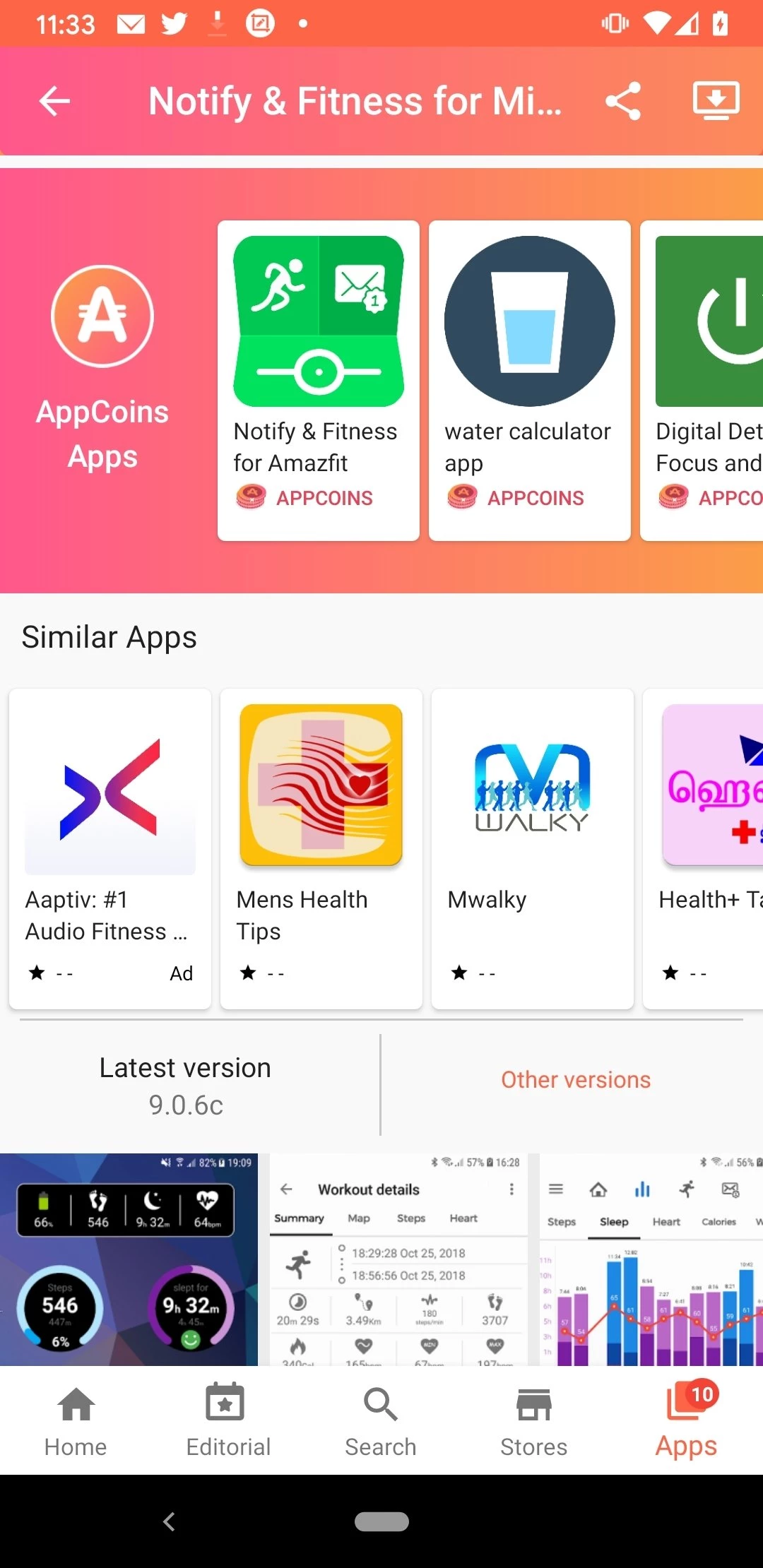
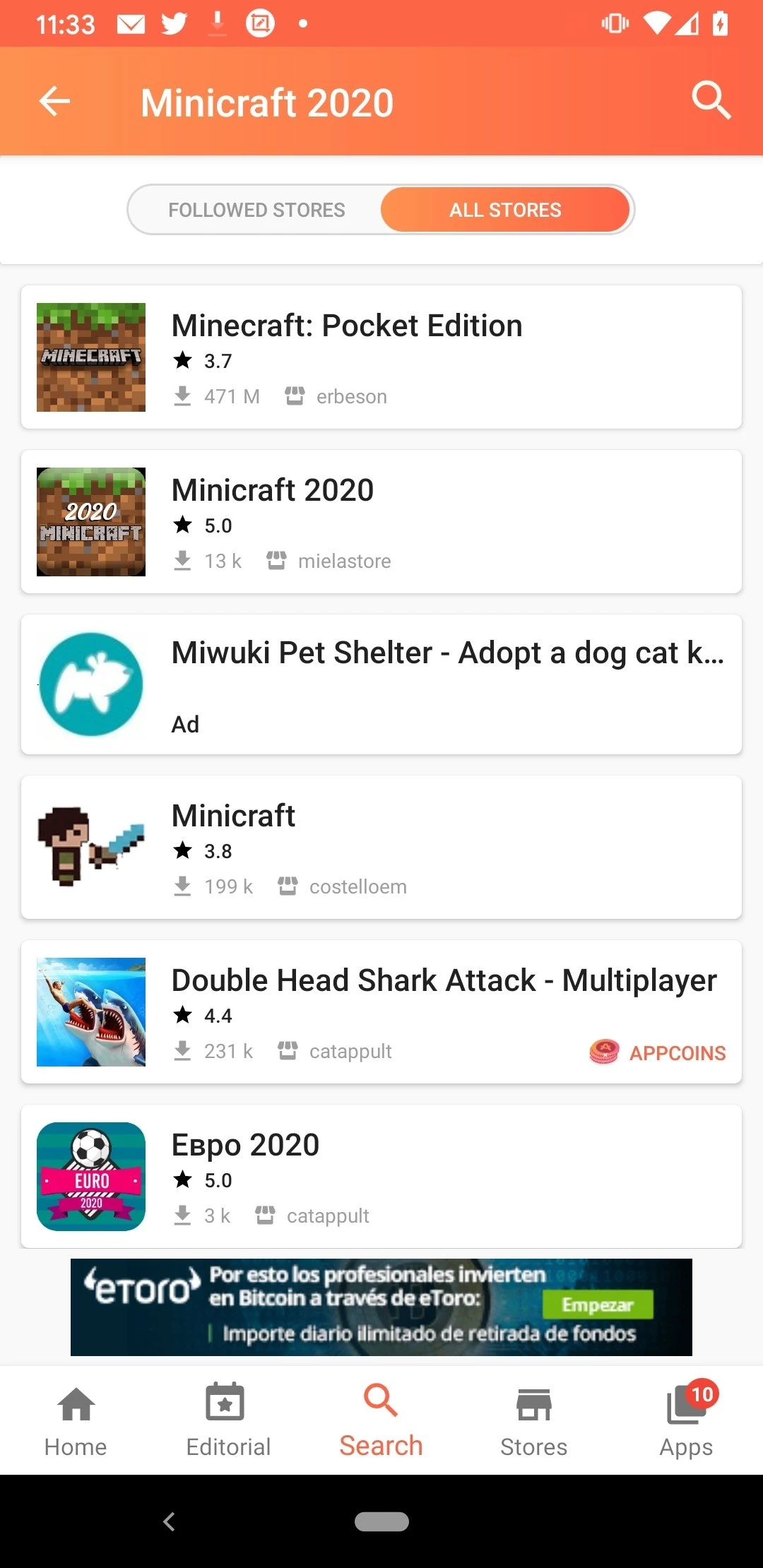
Aptoide 9.22.5.3 for Android is the current version of Aptoide, an open-source alternative app store for Android devices. It is free and lets you download apps outside Google Play; here are the quick facts and a safety guide, because third-party stores need a bit more care.
| Item | Details |
|---|---|
| App | Aptoide |
| Developer | Aptoide.com |
| Version | 9.22.5.3 |
| Founded | 17 November 2009 |
| Licence | free software, GNU GPL |
| Written in | Java |
| Type | app marketplace for Android |
| Size | about 19.14 MB according to catalogue data |
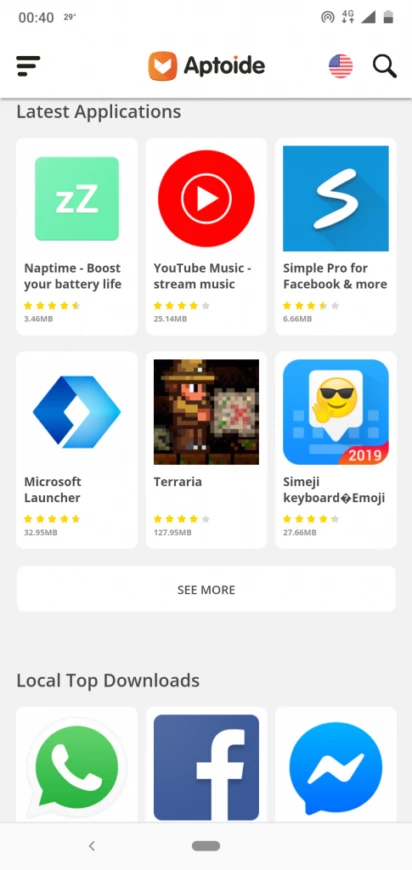
Aptoide is an app marketplace that has been running since 2009. It works like a familiar app store: you browse or search the catalogue, open an app's page and install it, and the client can keep installed apps updated. People turn to it on phones without Google Play, on Android TV boxes and other devices that lack the official store, and in regions where certain apps are not available. Being open source under the GNU GPL, its code can be inspected by anyone. The flip side of the open model is that apps are not always published by their original developers, so checking who uploaded a package matters more than in the official store.
Let Aptoide update only the apps you actually installed from it, keep automatic updates on Wi-Fi to save data, and uninstall apps you no longer use so fewer packages need watching. For banking and payment apps, prefer the official store or the bank's own site.
Aptoide is most useful for owners of devices that ship without Google Play, such as some Android TV boxes, tablets and phones sold in certain markets, and for people who need an app that their local store does not offer. If your phone already has Google Play and the app you want is there, the official store is simpler. Families setting up a child's device should also stay with the official store and its parental controls.
Other app stores for Android in our listings: Uptodown App Store, APKPure, Aurora Store and Huawei AppGallery. Where available, the Google Play Store remains the safest default.
Aurora Store is a free and open-source Android app that works as an alternative to the Google Play Store app, distributed under the GPL.

Google Play Store is Google's digital distribution platform for Android, used to find, install and update apps, games and books.

APKPure is a third-party app marketplace for Android that installs apps from APK files outside Google Play. This page covers version 3.20.7803.

Test DPC is a sample device policy controller for Android Enterprise, used by developers and IT administrators to test work profiles and management policies.

QuickShortcutMaker is a small Android tool for creating home screen shortcuts to specific screens of installed apps, including hidden settings.